I’ve spoken a lot about my love for books, I’ve even spoken here and there about how I read. For a question that I’ve been asked more times than I can count; how do I read with my sight impairments?, and a subject that I’ve wanted to fully cover for a while, it’s maybe a little strange that I never actually have.
The truth is though, I kept wondering whether I could even create an interesting-enough post for you all, my lovely readers.
Then, I thought; well it’s clearly a subject that interests people (I probably would’ve been interested before my sight loss, as it’s not just about the assumed audiobooks), it could turn out to be a useful post (at the least, I can point people to it when they ask…), and well – why shouldn’t I?
After all it’s not like I’m that harsh about interest usually, I guess it’s just because it’s such a subject that I desperately want to write really well because of all the questions that I’ve been asked about it, and that puts pressure on it.
If I let such a worry stop me then my blog would be a blank space -well it just wouldn’t exist at all – so why should this be different.
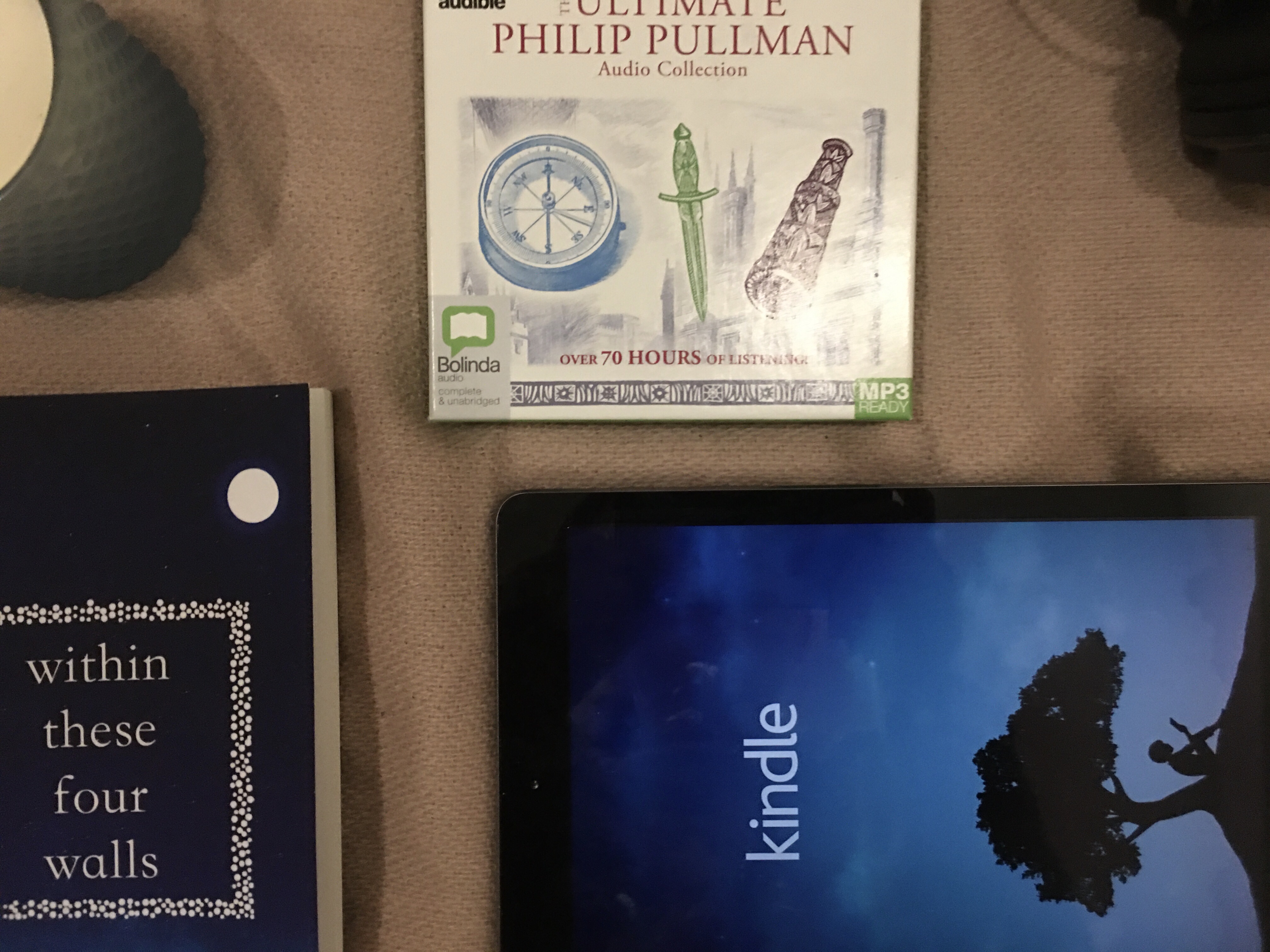
It’s like there’s this spilt between the majority of people’s belief when it comes to this subject; Blind/VI people can’t read, or we can only do so if we can use large text. Or at least, that’s what I’ve come across. And, that’s definitely not true.
Our visual impairments do not stop us from being able to read, and the latter is stark ridiculous; firstly, what about audiobooks? For something that was specifically made for the blind/VI, the ratio between questions about that and questions about how I can read is really – really – different.
I plan on writing a post – or perhaps a few – on audiobooks (and how they’re treated in today’s society) specifically at some point in the near future, however today’s post isn’t dedicated to them but all of the ways that I read and some apps that I use for reading, so I’ll leave that for now and continue with this post.
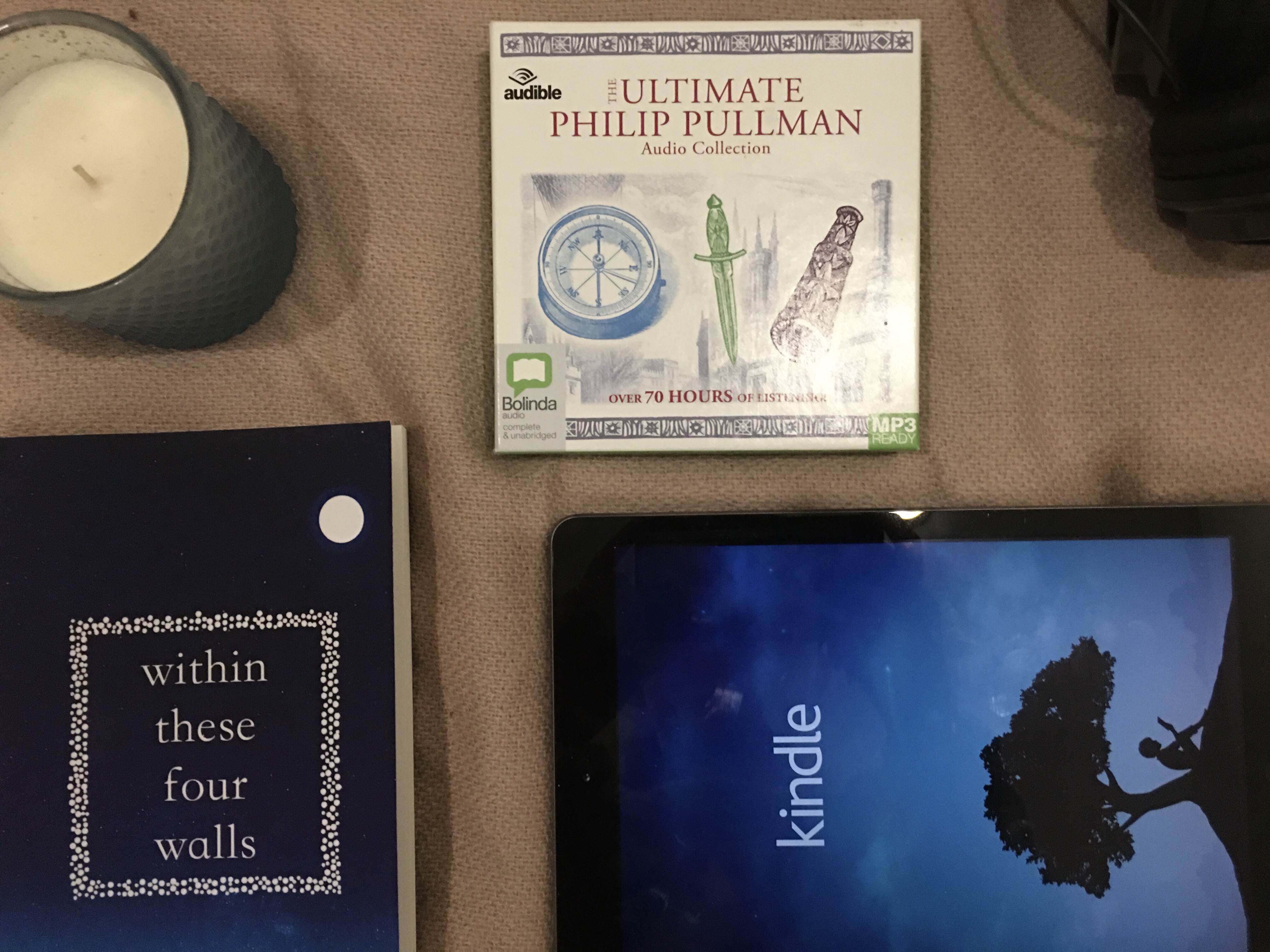
Kindle X Screen Reader.
Thus, turning a kindle book into an audiobook – kind of. This is one of my most common used ways to read, as it’s one of my favourites.
By swiping down with two fingers – from the top of the screen to the bottom whilst an iOS screen reader is on – you make the command for it to “read all”; meaning that it will read all of what is on the screen.
When you use an app such as kindle and use this to read a book, it will keep reading (if you have the page-turning setting turned on) until either you tap the screen or the book finishes – depending on which happens first.
This is my favourite way to solo-read now, it’s quick, simple, and means that the reader is always a voice that I like as it’s my screen reader which I carefully chose; which means that it doesn’t distract me from the story being read.
Because of mine and my Mum’s illnesses, we – as a family – found that we needed the Prime service; going out is far from easy and we need the quick service, and so because we have it, we get Prime Reading; a free library of kindle books which you can rent up to ten books from for an unlimited amount of time.
I commonly use this service; I find that it introduces me to authors that I may not of known about or if I had, tried their books.
This works greatly on other ebook apps, I just use kindle much more than any other. I also don’t know if any other screen readers do this (the only other ones that I’ve tried have been terrible, so I didn’t try using them on ebooks) but I’ve heard of some seemingly-brilliant ones that probably do.

With A Family Member.
This is most commonly with my Mum, but when we have time to – it’s with my sister Rhianna as well.
I love these times, I always have. I love spending time with them, so being able to do this and talk about the books – without the fear of giving away any spoilers to my Mum or Rhianna (depending on who I’m reading with) about books that they may want to read, is one of my favourite things to do.
My mum and I read every day together, it’s this sweet tradition. Obviously, depending on who is reading, they read and I listen (before i lost my sight, we’d take it in turns – which is better for weepy books…). I love the bonding that it creates. Plus, it means more books!
Audiobooks.
Before I found the kindle x screen reader trick at the beginning of last summer, this was my way of solo-reading after losing my sight. Now, not so much. However, I still love them; and do still frequently read them.
I’ve always said though; if I could still see, I just wouldn’t use them – simply a personal preference. However, I can’t and therefore love using audiobooks as it’s a way that I can read; an activity that I adore.
Audiobooks are expensive, which means without massive sales or/and free charitable services such as LibriVox and RNIB Reading Services, we simply can’t afford them; therefore I use those services, shop during those massive sales, and on EBay.
But, I do love sitting comfortably with an audiobook for a few hours to read a good book.
Book X Seeing AI.
This tends to be left more for text book style books, as those with text fully on the pages (as that takes a very long time or simply doesn’t work at all), and only when a more simple way isn’t available.
Seeing AI is an incredible and free app which helps the blind and visually impaired navigate the world around us, one of the many ways that it does that is by scanning written pages and any kind of document.
Once it’s finished downloading, you can save the text to many apps including note taking apps and Microsoft Word. Although this is a rarer occurrence, it’s still very worth referencing.

Apps That I Use To Read.
I use many apps to read, below I have linked them and explained what they do in the hope of others finding that useful.
Kindle.
An app which turns an Apple device into a kindle, so that you can read kindle books, magazines, newspapers, textbooks, and more. With a screen reader turned on, by swiping down with two fingers from the top of the screen to the bottom – it turns those things into an audio format; making them accessible to blind/vi people.
Price: free download with in-app purchases (with Prime, you can use the Prime Reading library – discussed above).
LibriVox.
LibriVox works on a charity basis to open up the world of great classics through wonderful free Audiobooks. These are read by volunteers, and in the public domain. One story can have been read from many volunteers – meaning that you can choose the voice that you prefer the most.
Although they tend to be classics, there are also some that are fairly Morden (I’ve even found some Doctor Who tales…); so don’t try those titles released in the past few years, but have a good search – just acknowledge that it’s a charitable service which tends to produce those written at least a few decades ago and it’s amazing for that.
It’s such a great service for what they give, and actually it’s one of my favourites for audiobooks of this kind. LibriVox has over 50,000 free audiobooks from favourites to out-of-print classics in more than 30 languages, and anyone can ask to be a volunteer.
Users can make lists of audiobooks, which not only help that user but fellow users too. And, there is a easy-to-access and use search system. Not to mention it’s accessibility to screen-reader users (I haven’t found any inaccessible parts!)
Some have complained about it’s use of adverts, I – personally – however think that this is completely unfair for a few reasons; a) they work to give a free service which must cost them greatly, therefore rely on ads to give that b) actually it’s really not that bad and c) the adverts don’t distract from that service like pop-ups would. Trust me, this app is incredible.
Price; completely free, unless you choose to donate of your own will – something which they are beyond grateful to receive but hardly ever ask of – so much that it was hard and I had to research to find their donation page.
Spotify.
More commonly known for it’s unlimited amount of music and podcasts, short stories or chapters of books can be found on the Spotify service. These are commonly uploaded as podcast files but are also commonly named as short stories or chapters.
I’ve never found full books on there, but I find both the short stories and chapters of value; I love slotting short stories into the times that I can make between full ones, and chapters allow you to see whether you like a book before finding/buying the full version.
To add to their greatness, I’ve found books that I may never have found without them. So, although they can be hard to find, it’s well worth it.
Price; completely free, unless you choose to pay for premium – which we do not.
Libby.
Libby works with local libraries, and you must have a library card to use. By using your library card on this app, you can access your libraries electronic and audio selection if they have chosen to join Libby (which many have).
This means that not only can you use their services without having to go to the library, but libraries can earn more profits by having more users and also more loans; meaning that more can survive – for this reason, Libby stole a piece of my heart as soon as I discovered the service.
You can not only borrow from your local library but those from all of the world, which makes even more benefits.
You can also do an array of things; download books for offline reading, turn those borrowed from the U.S.A libraries into kindle books (currently the only country), create lists, read available magazines as well as books, keep your position synced across devices, and so much more.
Price; free but only accessible with a library card.
Dolphin Easy Reader.
This is an app collaborating an array of charitable services which makes books, newspapers, magazines, and more accessible and available to those with visual impairments and those with Dyslexia.
These services are those including from RNIB, NCBI, Bookshare, Vision Australia, Calibre Audio, Project Gutenberg, and EPub Books (full list on the app’s page).
You must be registered to the service that you want to use in most cases (this is so that no one can abuse the charity’s services), but you can use one or more of the services – depending upon your registration.
You can also copy text from other sources on your device and use dolphin’s reader to read the text. The app is fully accessible to screen readers, and has many other functions to.
(Price; free but you must be registered to one of the charities)
Apple Books.
Apple’s version of Kindle. On this app though, you can easily turn pdfs – for example – into books; turning them into an accessible format, unlike the format of pdfs.
This is what I tend to use Apple Books for, although I have previously downloaded some books (some which I promise to myself that I will read this year…). Therefore, it’s often been used for coursework and probably will continue to be; then possibly for work when I reach that point, instead of hobby reading.
Again, I include it because it’s invaluable; that’s not to mention the amount of pdfs that I was sent by previous tutors because they simply didn’t understand that they weren’t an accessible format or others that simply didn’t care.
It’s completely free to use the app in this week, which means that we don’t have to pay for accessibility – which I believe should always stand.
(Price; free download with in-app purchases)
YouTube.
As well as many other types of videos, there are a variety of Audiobooks on YouTube. It’s a place where sometimes, you find the book that you want; sometimes, you do not – and unlike LibriVox, that’s not dependent on age – and neither is it dependent on popularity.
I tend not to use YouTube for Audiobooks, because as well as this and the disruptive ads – you do not know the poster, and therefore can not rely on how they source being ethical. This being said, sometimes I do find myself relying on it for specific books.
Price: free with options to buy specific services such as premium and specific products such as films or documentaries.
Like I’ve previously said, audiobooks and accessible formats can be ridiculously expensive. However there are some brilliant charities and charitable services to combat that.
I truly believe that they deserve more praise than they get, they work so hard to bring those services to those in need; and I think that I may write a post specifically for them at some point.
I also read over 50 books a year, so these services and paying for services such as Prime Reading for my solo-reading make that feasible and allow us to fund it. This blog post didn’t include our trusted bookshops, so maybe I will write a post about them too.
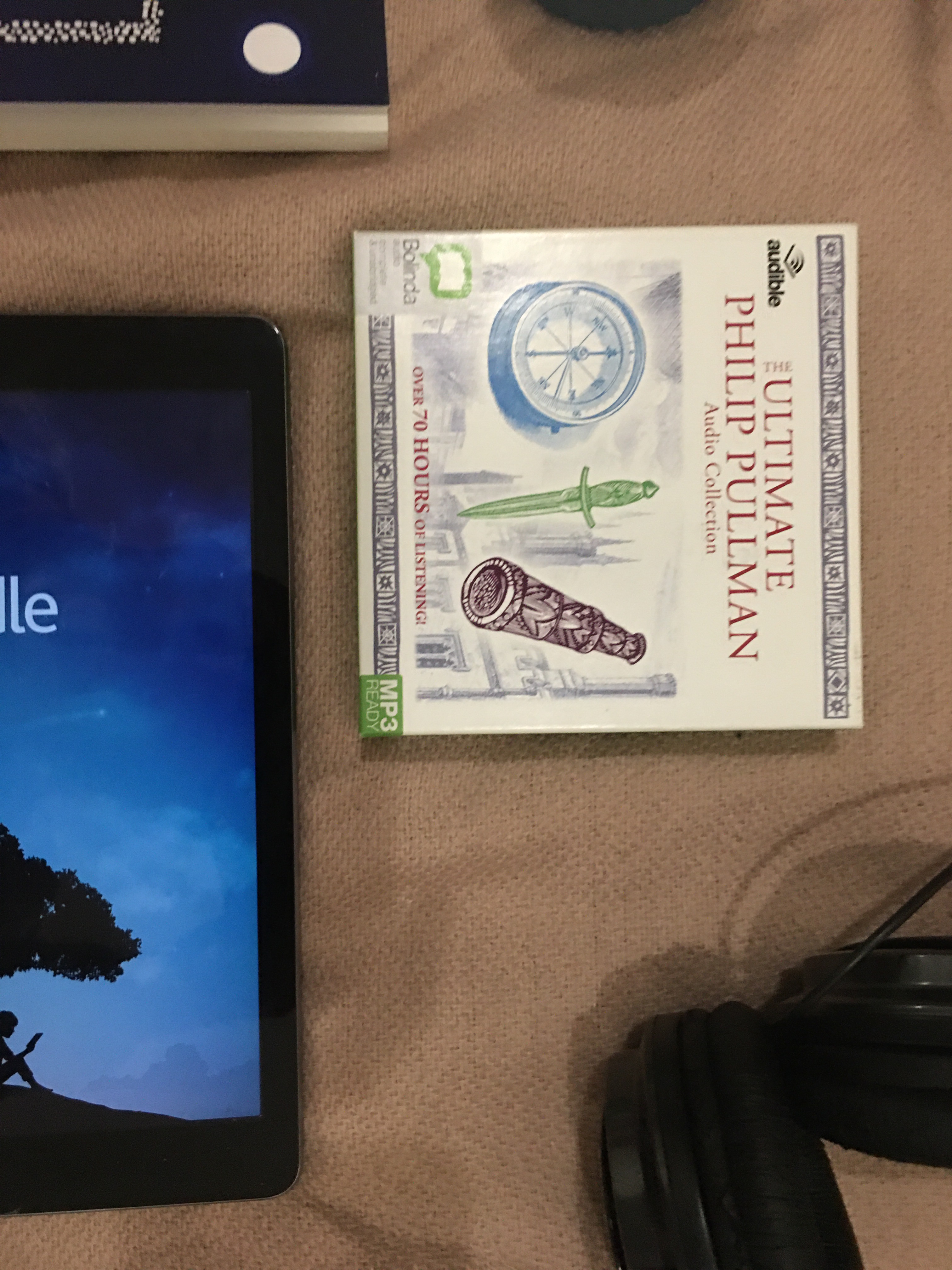
I do miss being able to open a paperback, turn it’s pages and read it’s words; to me, there’s nothing like it – however these are the ways that I’m able to read, and it still holds so much magic.
Honestly, I’d be lost without books, and therefore I appreciate these techniques in an indescribable way. By posting this, I not only hope to answer any given questions, but help others.
Please acknowledge that I only speak on behalf of myself, and never do or claim to do differently; these are the only footsteps that I walk in, and I won’t pretend differently – therefore, this is how I read, others may read differently as we are all different.
I just wanted to make that clear. Also, before any questions come my way, I cannot use large text; magnification doesn’t work for me personally.
So I will leave this here at a whooping 2400+ words – and I was worried about whether this would fill a blog post!
If you, too, are blind/vi and read: what techniques do you use? And what are your favourites?
Lots Of Love,
And Big Gentle Hugs,
Tiegan Elise x
Support this content and more via buy me a coffee
Save To Pinterest:

 Tig Ellis - The Zebra With Rainbow Stripes
13 responses to “How I Read As A Blind Person. (+ The Apps That I Use)”
[…] How I Read As A Blind Person. (+ The Apps That I Use) […]
LikeLike
[…] those that I read on my own (if you’re interested, I spoke about how I read as a Blind person here.); there’s been some great reads this past month that have furthered my progress in my 2021 […]
LikeLike
[…] bed, I cannot remember what I was reading this specific night though – sorry! (I spoke about how I read as a blind person some weeks ago, if you’re […]
LikeLike
[…] How I Read As A Blind Person. (+ The Apps That I Use) […]
LikeLike
[…] How I Read As A Blind Person. (+ The Apps That I Use) […]
LikeLike
[…] after sharing about some books that I had received (and that my Mum was going to read them to me due to my sight) on a Facebook book club, four authors extremely kindly offered to send […]
LikeLike
[…] How I Read As A Blind Person. (+ The Apps That I Use) […]
LikeLike
[…] How I Read As A Blind Person. (+ The Apps That I Use) […]
LikeLike
[…] How I Read As A Blind Person. (+ The Apps That I Use) […]
LikeLike
[…] How I Read As A Blind Person. (+ The Apps That I Use) […]
LikeLike
[…] How I Read As A Blind Person. (+ The Apps That I Use) published around this time last year, I answered the question, and I hope that today you’ll […]
LikeLike
[…] How I Read As A Blind Person. (+ The Apps That I Use) […]
LikeLike
[…] Read about how I read here. […]
LikeLike